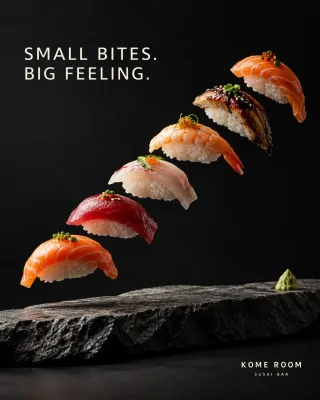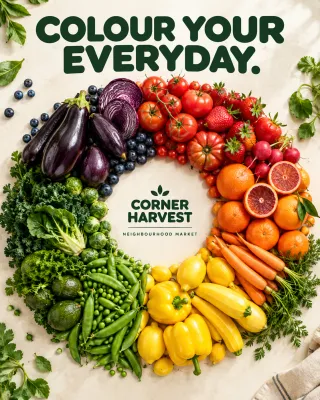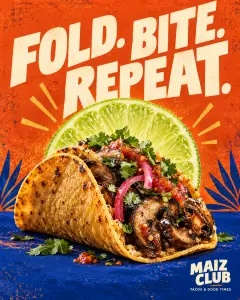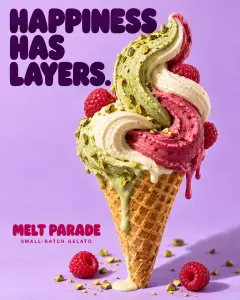



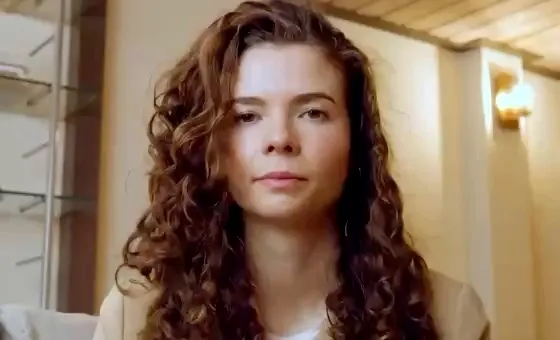
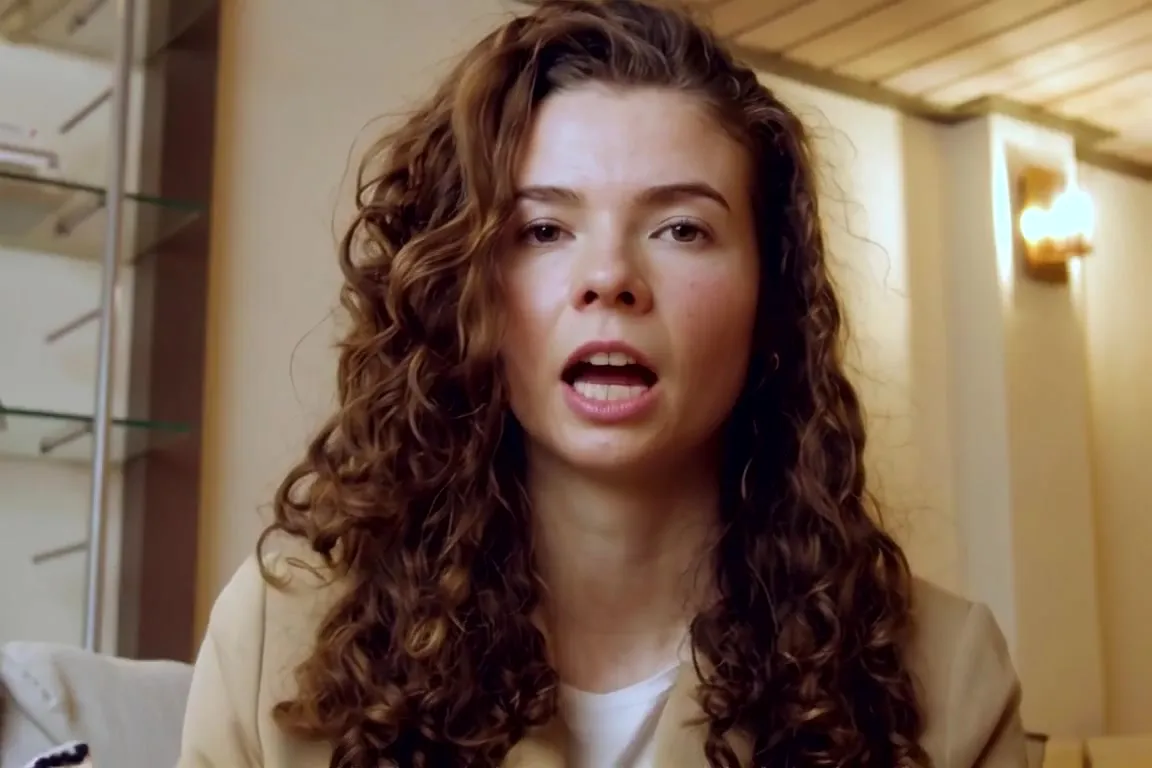
2,148 likes
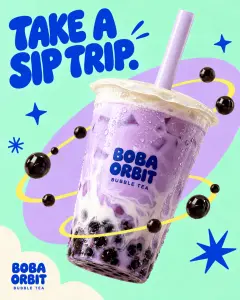
localbites.guide Five new spots to try this weekend. Swipe to the end for the boba stop everyone keeps asking about. Which one are you hitting…
View all 64 comments
2 hours ago
Free tool · Social media
See your photo, video or carousel as a post, on your profile grid and slide by slide before you publish. Check the crop and the caption, then export a PNG.
localbites.guide
Austin, Texas
 1/5
2,148 likes
localbites.guide Five new spots to try this weekend. Swipe to the end for the boba stop everyone keeps asking about. Which one are you hitting…
View all 64 comments
2 hours ago
localbites.guide
Your new post shows first
The grid trims every post to a 3:4 tile and shows the first slide as the cover.
Drag your photos or videos here
One file for a single post, up to 20 for a carousel. They replace the sample.
Letters, numbers, periods and underscores.
158 of 2,200 characters · the feed shows about 125, then “more” · 2 of 5 hashtags
Profile picture
“Save to browser” keeps this post, its photos and your text in this browser only. Nothing is uploaded.
Sample slides
5 of 20 · drag or use the arrows to reorder · the first slide is the coverHow it works
One file for a post, up to 20 for a carousel. Drag the slides into order. Nothing leaves your device.
Switch between 4:5, 3:4, 1:1 and 1.91:1 and see the post, your profile grid and every slide at once.
See where the feed cuts it off at “more”, then download a PNG to share for feedback.
Size guide
Every post is 1080 pixels wide. The height depends on the shape you pick, and every slide in a carousel uses the same one.
 1080 × 1350 px
Fills more of the feed than a square. A safe default for photos and graphics.
1080 × 1440 px The tallest feed size and the same shape as your grid tiles. Phone cameras shoot 3:4.
1080 × 1080 px Good for product shots and centred graphics. The grid trims the sides.
1080 × 566 px For wide scenes and banners. It shows smallest in the feed, so keep text large.



The bright part is what your grid tile keeps. Shaded edges are trimmed.
Your profile grid
People who open your profile see the cover of each post trimmed to the same tall shape. The preview's profile view shows yours in place, next to your last posts.
Carousels
Up to 20 photos or videos in one post. Line them up in the preview and flip through them like your followers will.
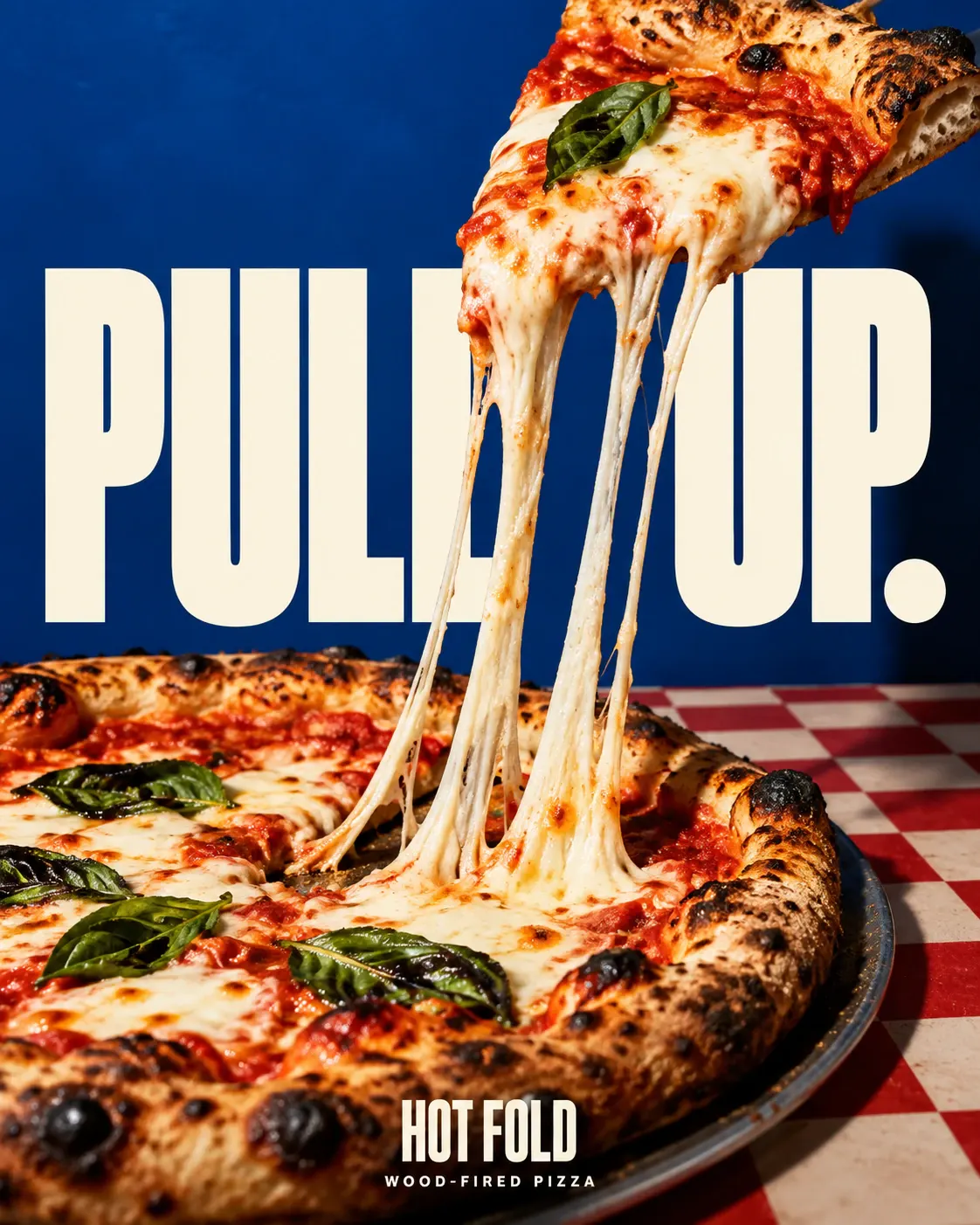 Cover
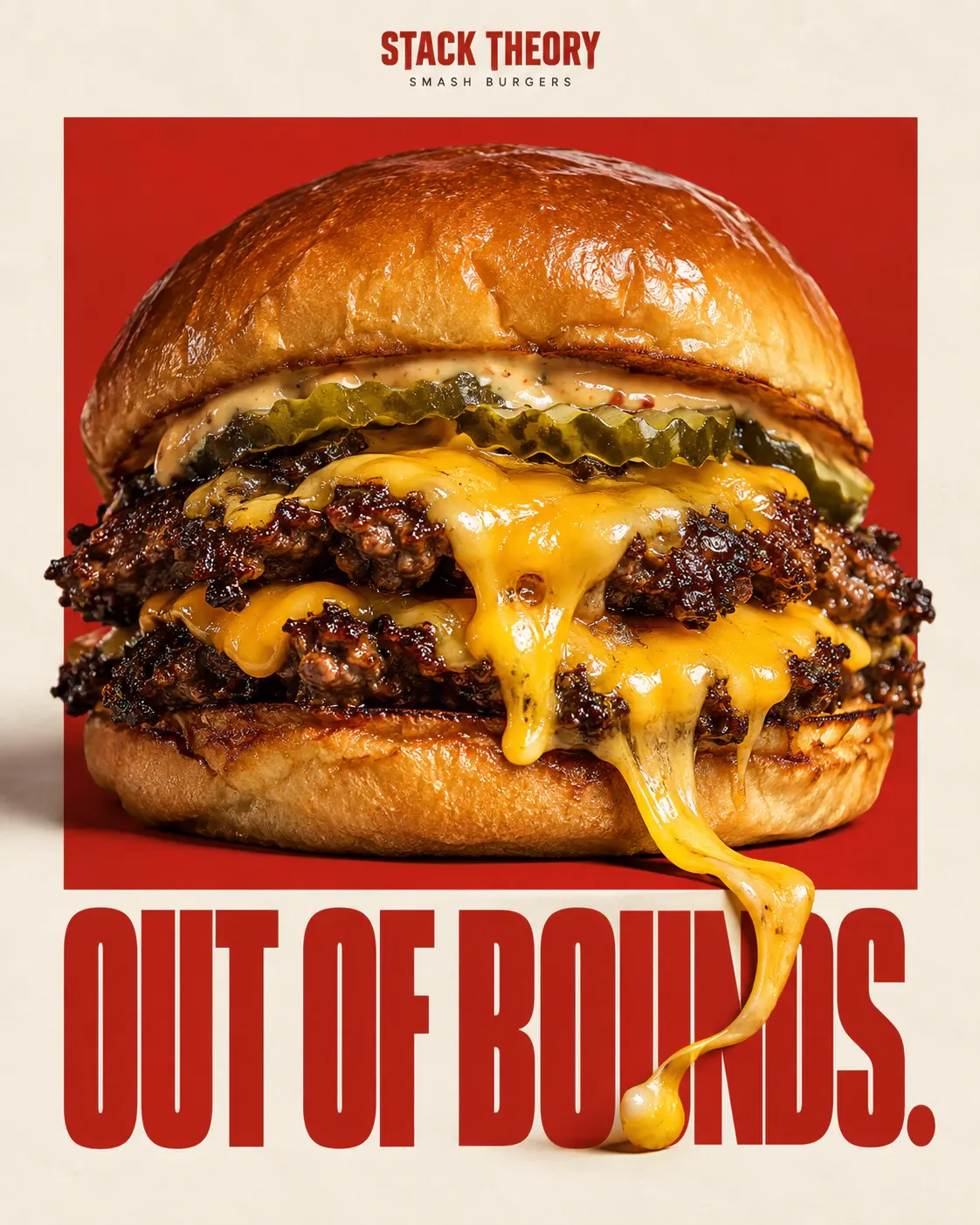
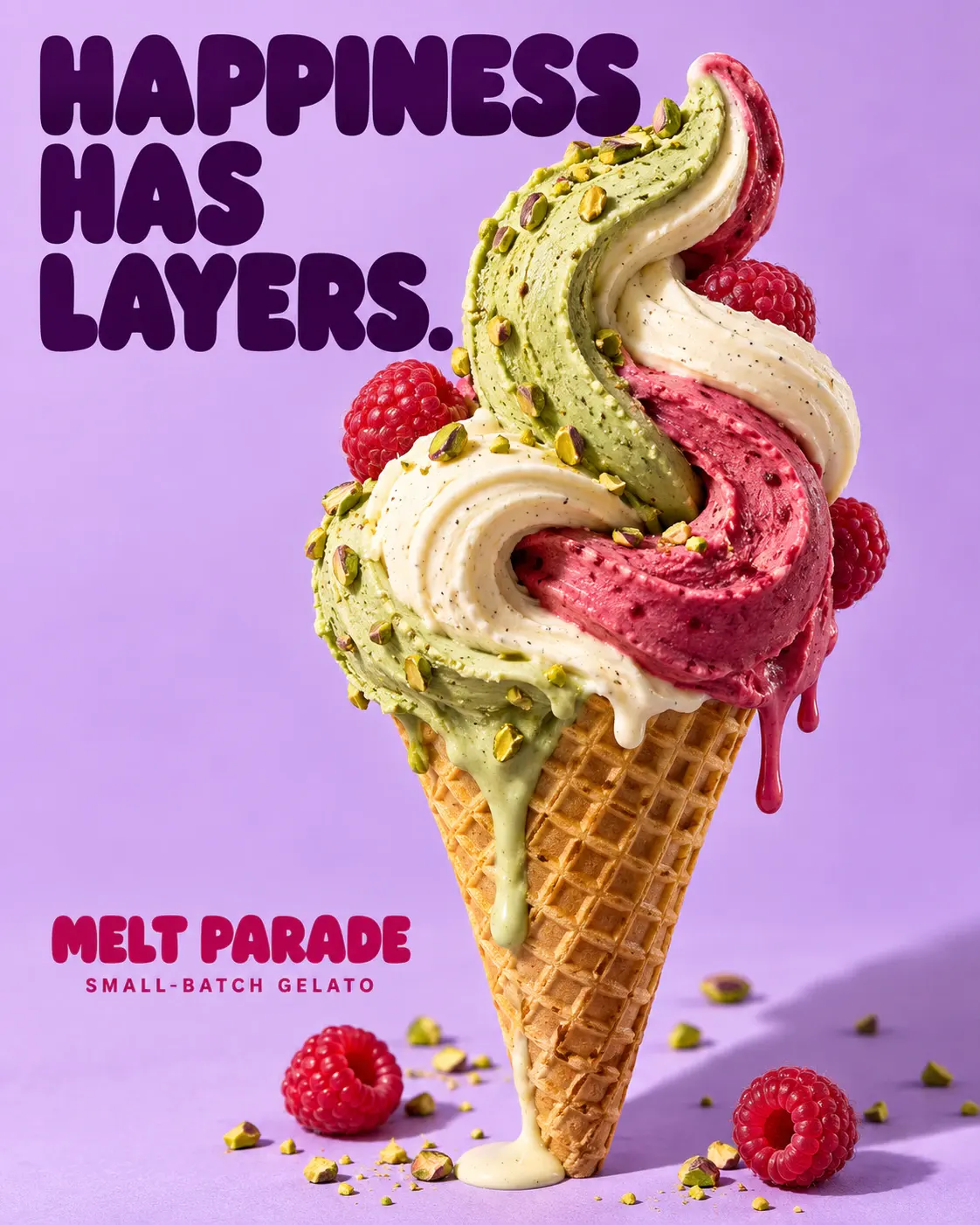
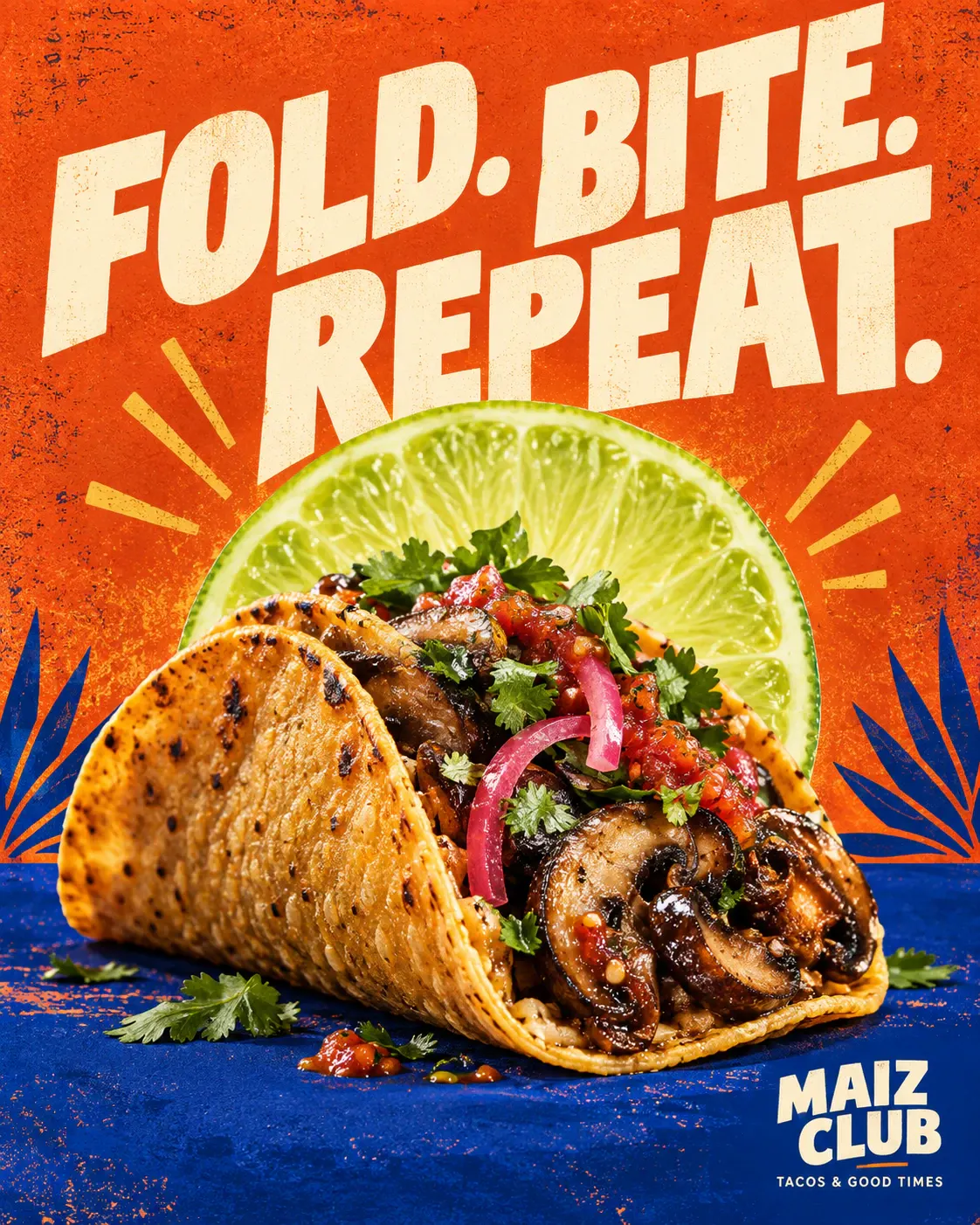
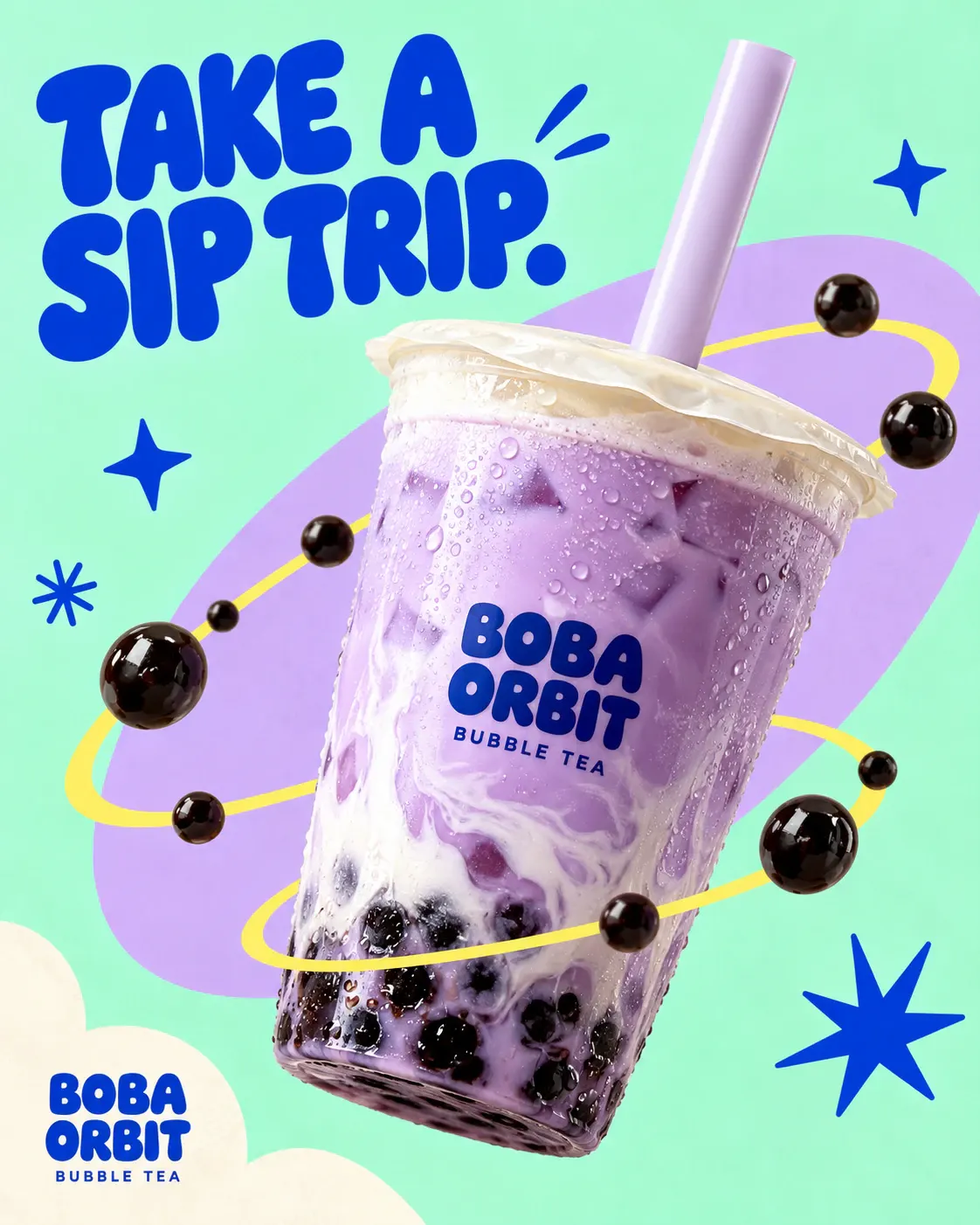
The first slide is the one people see in the feed and on your grid. Make it the strongest one.
A carousel uses one size for every slide, and files that don't match get cropped. Make every slide for the same ratio.
When a slide is cropped, the edges go first. Keep faces, products and text away from the sides.
Videos and Reels
Videos play in the preview with the sound off, like the feed. Pause on a frame you like and the PNG export uses it.
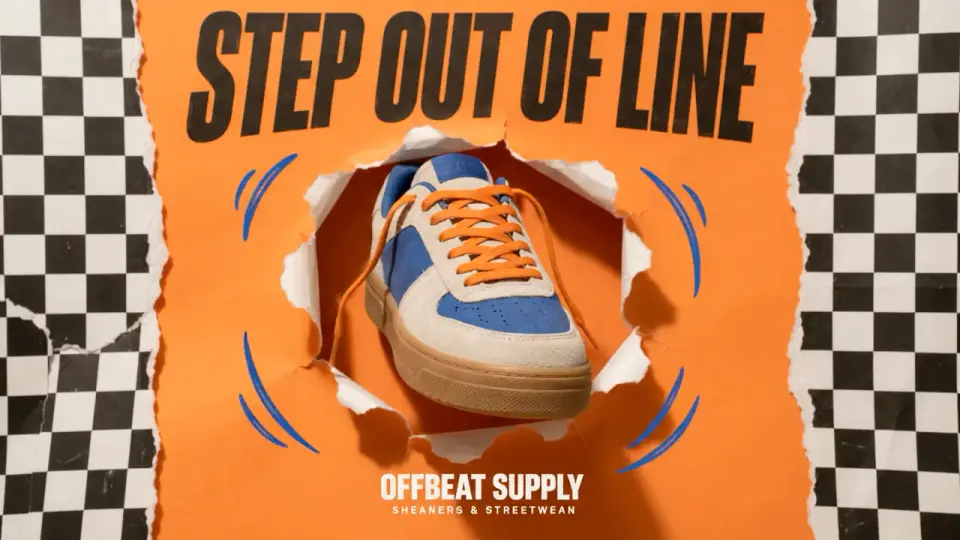 1280 × 720 · wide
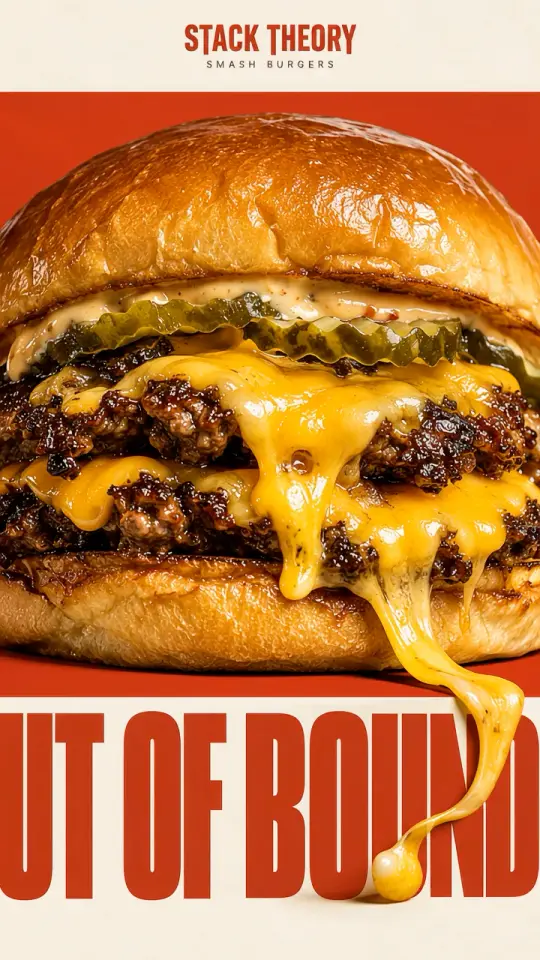 Reel · 1080 × 1920
stacktheory
Your new post shows first
Made by Lucas
Lucas is SmallForce’s AI social media manager. He makes posts and short videos from your photos, writes the captions and posts to Instagram and 10 other apps. Nothing goes out until you say OK.
 Reel Made from this poster Stack Theory
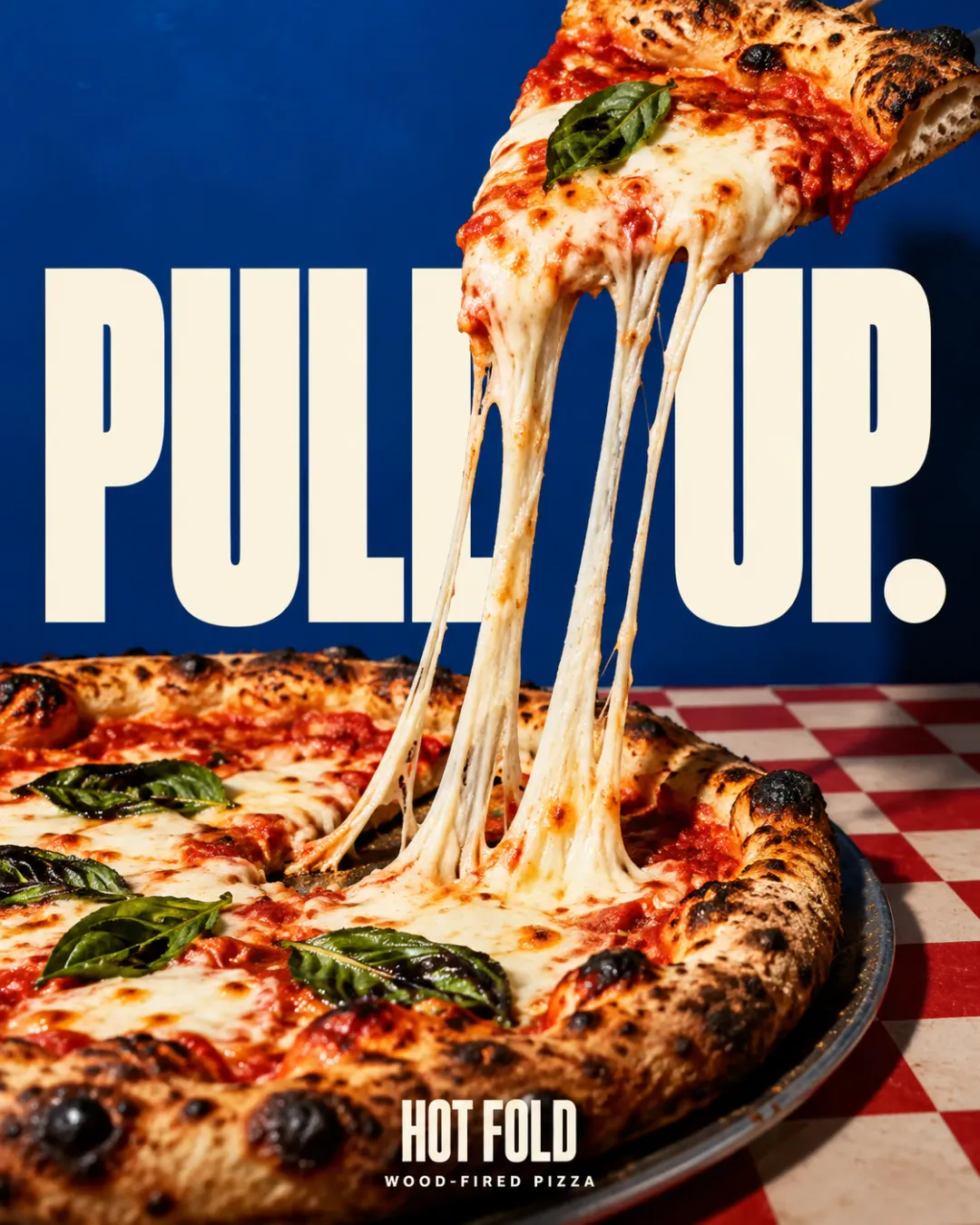
 Post Made from this poster Hot Fold
 Video
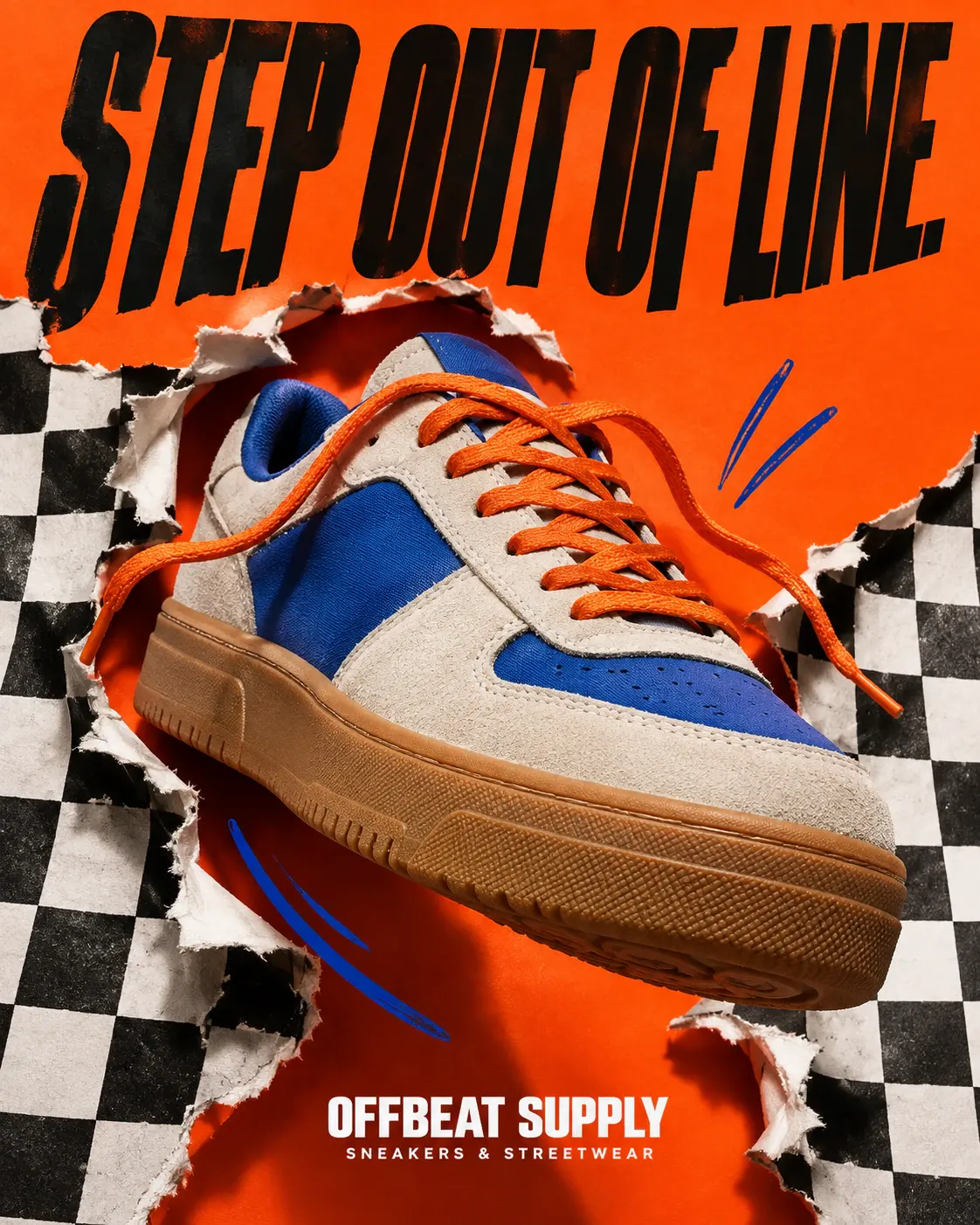 Made from this poster Offbeat Supply

 Post
 Made from this poster Dark Matter
36 posters for 36 different businesses, each made with AI. See them all on the social media page
FAQ
Short answers about how the tool works and what it's for.
Posts are 1080 pixels wide. For the height, use 1350 px for a 4:5 portrait post, 1440 px for a 3:4 post, 1080 px for a square post or 566 px for a 1.91:1 landscape post. The two taller sizes take up the most room in the feed.
Add your photo or video to the tool above, pick a size and write your caption. The preview shows what gets cropped, where the feed cuts the caption off and how the carousel dots look. It's a mockup, so small details can differ from the app.
Yes. Add up to 20 photos or videos and put them in order by dragging or with the arrow buttons. Every slide shows in a strip under the preview, you can flip through them in the post, and the profile grid shows the first slide as the cover.
Yes. Videos play in the preview with their normal controls. The PNG export uses the frame showing in the post view, so pause on the frame you want before you export.
No. Your files open in your browser and are never sent to a server. The PNG is made in your browser too. Close the tab and they're gone.
No. It only makes a preview. When you're ready, post from Instagram or your scheduling tool. Lucas, SmallForce's AI social media manager, can write and schedule posts for you and waits for your OK.
More free tools
Check your Google Maps ranking from nine points around your business, compare competitors, see review gaps and get a prioritized list of fixes.
Open toolCreate a wa.me click-to-chat link for your business number, add a starter message and download a QR code for print and signage.
Open toolEstimate how much revenue unanswered calls may cost you each month and year, and how much better call coverage could win back.
Open tool  Lucas · AI social media manager
Lucas writes and schedules posts for Instagram and every other app you use, and waits for your OK before anything goes out.